Dual Gear Extruder Grinding Itself Problem | Voltlog #308

Welcome to another video about my 3d printing adventures, as you may have seen in a previous mailbag I got myself one of these dual gear extruders to upgrade the standard one that my CR10 came with. The original plastic extruder was working fine initially, but as time passed, the wear increased and it started slipping, the spring was not providing enough tension anymore so it was time for an upgrade.

The dual gear extruder was the obvious choice because it’s affordable and it’s dual gear system should ensure better grip on the filament. I’m not 100% sure but I believe the original design was done by Bondtech and I most certainly got a cheap clone of that from aliexpress. You would think that for such a simple mechanical device it shouldn’t matter if it’s a clone or not but as we’ll see in a moment it does matter as subtle changes can make it better or worse.

I installed my new dual gear extruder, I didn’t make any video about it, didn’t think it was interesting enough and I needed to install it without further delay because I was doing this while I was printing face shields and I needed to have the printer up and running ASAP. It was working great, I printed a bunch of face shields, it had a good grip on the filament but a few days later I accidentally noticed there is a bunch of residue gathered up on the mechanism.
8W Rechargeable e-Cig Soldering Iron Review & Teardown | Voltlog #307

These days there is a wide choice of portable soldering iron and I think very few people still consider gas powered soldering irons who were quite popular 10-15 years ago because of their portability. 

Now you can get USB powered soldering irons like this one for about $6, it’s rated for 8W, takes a 5V USB input and you can plug this into any power bank and fix a solder joint remotely. I’ve used this a couple of times while doing some electrical work on a car and it was very convenient.

You can also get more powerful, more polished soldering iron like the TS100 which normally takes a DC input from a laptop power brick in the 20V range but since USB Type-C with Power Delivery is a popular thing these days, you can also power it from a power bank capable of at least 12V. But this will be in the $50-60 range and you need to purchase a special power delivery trigger cable separately.

However today’s video is not about these two options, I’m gonna show you something that fits in between these two. It’s delivered rather impressively in a cheap plastic bag but let’s see what we get in here. Looks like they included a small amount of solder wire, that’s nice, every soldering iron should come with a small amount of solder. We get one of these small foldable sheet stands so you won’t burn something when setting the iron on a surface. This looks like our soldering iron tip and inside here we must have the soldering iron body itself and a charging cable

Wiistar 1080p 60fps HDMI USB Capture Card Review & Teardown | Voltlog #306

Ever since I got the new microscope and HDMI camera setup I was thinking of ways to capture video on my computer from the microscope camera. This particular camera is the Hayear 34MP model which I reviewed in Voltlog #292, it outputs 1080P at 60fps over HDMI and it does have on-board micro-sd card recording, so I could record images or videos to an sd-card but if you want to live-stream the camera feed, a capture card is needed on your computer. There are countless options in terms of capture cards but as usual I tried to find the cheapest solution that does the job well enough.

This particular unit came up in my searches, it’s relatively inexpensive when compared to other options that advertise similar specs 1080p at 60fps, it has two hdmi ports, one is an input for capture the other one should be a pass-through so you can connect a monitor at the same time of capturing video but we’ll see if that function works as advertised in a few minutes.

We have a USB Type-C connector for the computer side and an audio output 3.5mm jack. It is mentioned in the product page that it’s supposed to have a delay between audio and video so I’m guessing it’s related to this audio output port. The enclosure is aluminium which should help with heat dissipation and this particular unit is branded Wiistar but I believe you will find this under other names as well. Inside the box you get a USB A to Type-C cable about 1m long, a small usb A to type C adapter, a disk and a user manual.

Reverse Engineering Gopher NPS-1601 Front Panel Circuit | Voltlog #305

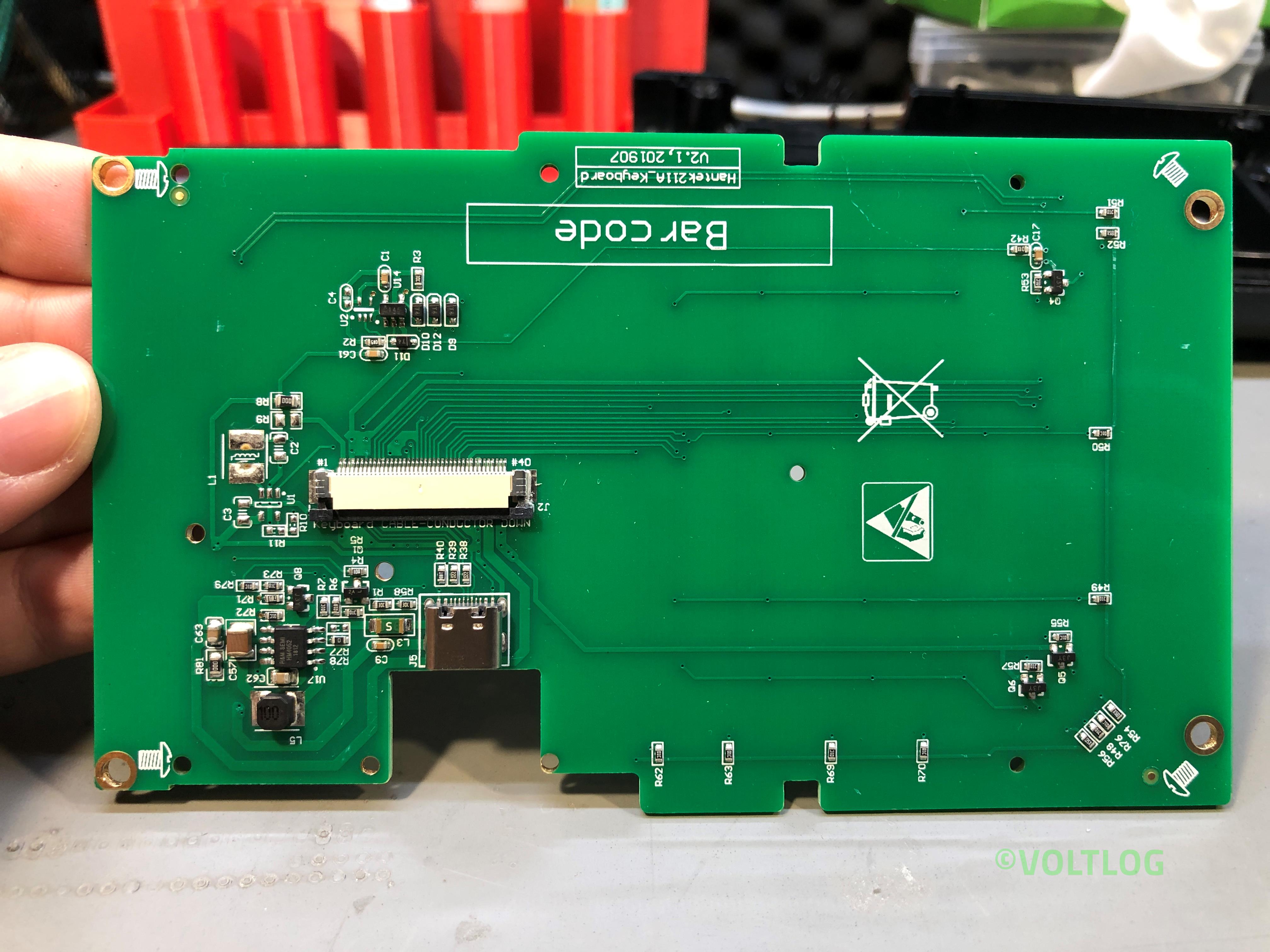
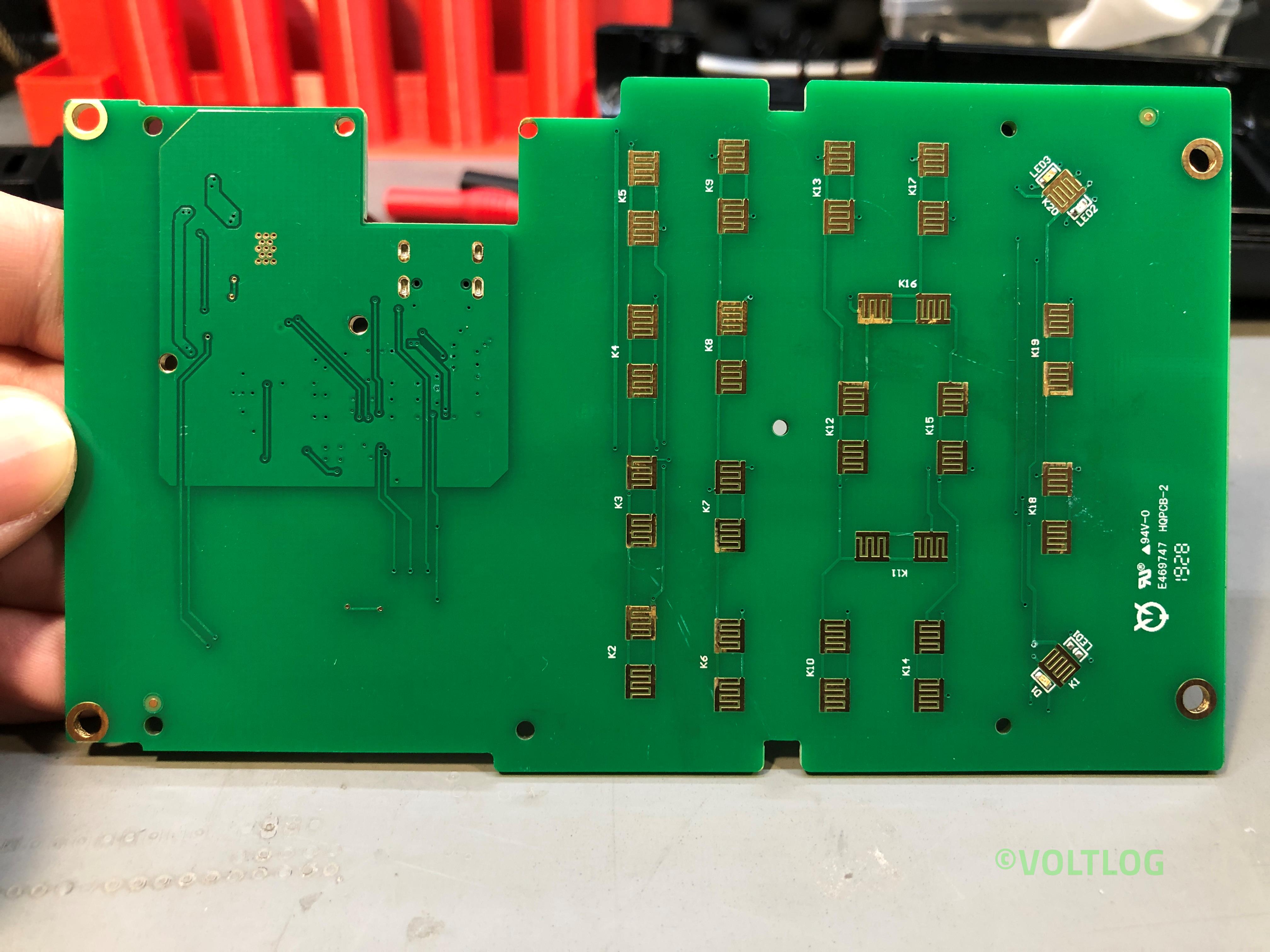
In this video I’m gonna show you how I reverse engineered the front panel of the Gopher NPS1601. First I’ll show the method I used for reverse engineering and then I’ll show the results I got This is in my opinion the best power supply you can get in the $50 range and if you would like to know more about this, I did a review in Voltlog #255.

Why did I decide to reverse engineer the front panel of this power supply you might ask? Well it was a topic I had on my todo list ever since I got this unit because I feel like the user interface on this is not as nice as it could be if it had a color TFT display to show more info than what you get on those small 7 segment displays. And I’m not just talking about improving visibility cause you could do that just by using brighter 7-segment displays, I’m talking about showing more data like: calculated wattage or capacity, showing set current and voltage at the same time with actual current and voltage you know the kind of info you get on the more expensive Riden power supply but hopefully in a better color scheme.

InTheMail | Voltlog #304

Welcome to a new InTheMail, the series that will touch both your passion for electronics and your bank account at the same time. We have a selection of different items in this mailbag video and before we get started I would like to mention that during the past 3-4 weeks packages have almost stopped arriving here in Romania. I’ve been getting maybe 1 or 2 delivered per week. Even packages from Germany have been sitting for weeks before moving between warehouses so I was wondering how things are going where you guys are living? Let me know in the comments below. Hopefully things will get better as many countries are trying to restart the economy in May.

The first item is one you’ve seen before on this channel, it’s a 7 inch magic arm clone from China. The original magic arm from manfrotto is about 100 EUR and there is no doubts it’s better built, but I need a few of these to hold various stuff around the workbench, LED lights, to hold the phone in front of various instrument panels and it would add up quickly if I were to get the original.

These replicas from China are good enough for what I’m doing, they’re inexpensive and if you are curious how these work, Bigclive did a video recently, he showed how one of these works inside so check out his video if you are curious about that. The nice thing is that you have a single knob that you need to turn to lock or release the whole system and you can find these in a variety of sizes.

Hantek TO11 1832C LCR Meter Review & Teardown | Voltlog #303

I never really had any professional LCR meter in my lab so far, I’ve only done measurements using this transistor tester which also features a rudimentary LCR function but that’s about to change because today we’ll be taking a close look at the Hantek TO11 handheld LCR meter.

There are two models for this LCR meter TO11 and TO22 and as far as I can tell the only advantages the more expensive TO22 model has are the extended test frequency range up to 100KHz and a second option for test voltage at 0.3V.

Next let’s mention the naming confusion, there is something going on with the naming of this instrument and I can’t quite figure it out. On hantek’s website you can find this LCR meter listed as model number 1832C and 1833C while I suspect all newer units are marked TO11 and TO22 respectively. I’ve emailed Hantek and asked them to clarify this and confirm whether or not there are any differences and why the two names and they replied saying the two are basically the same, the TO11 being an ODM version.

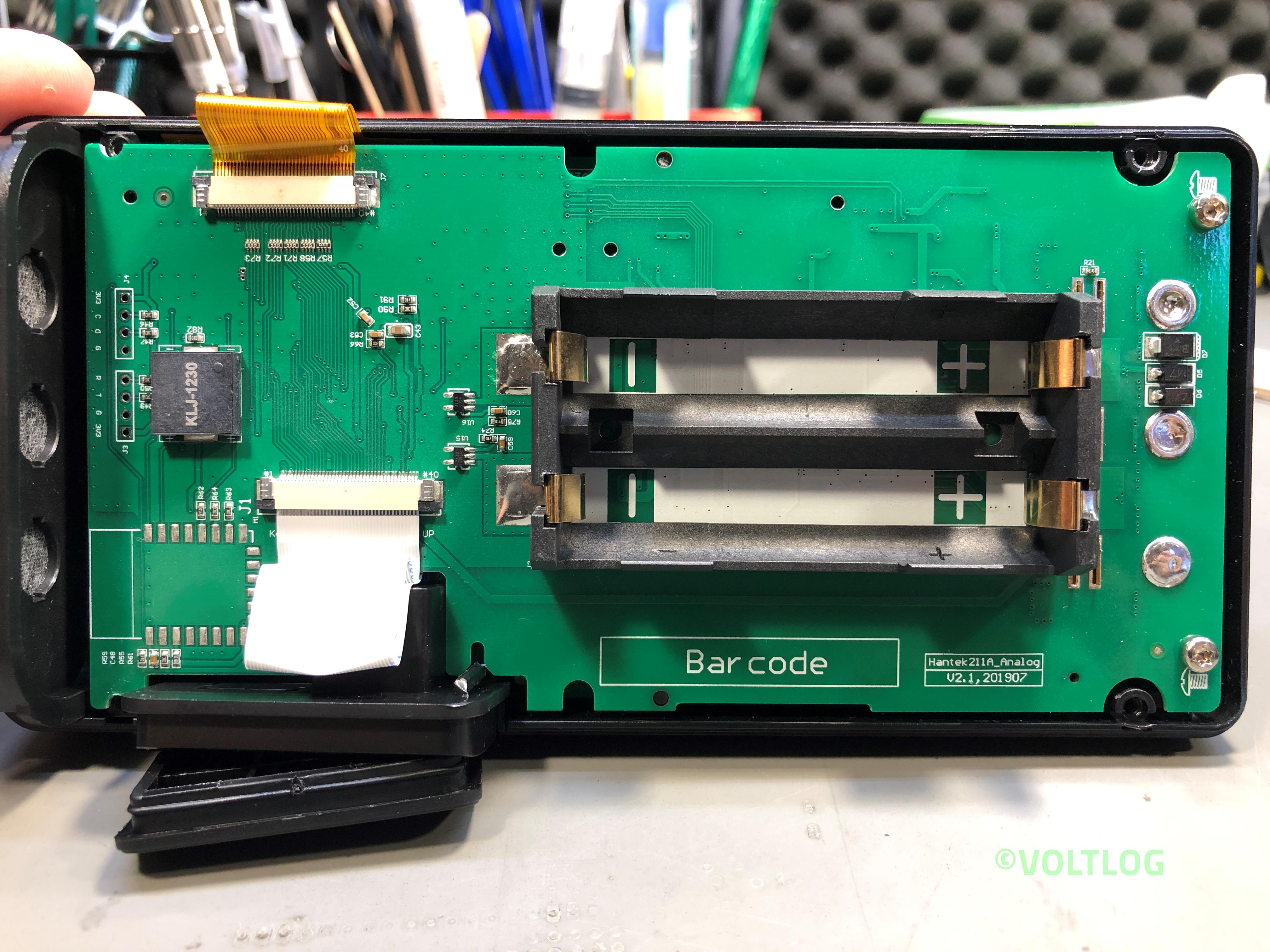
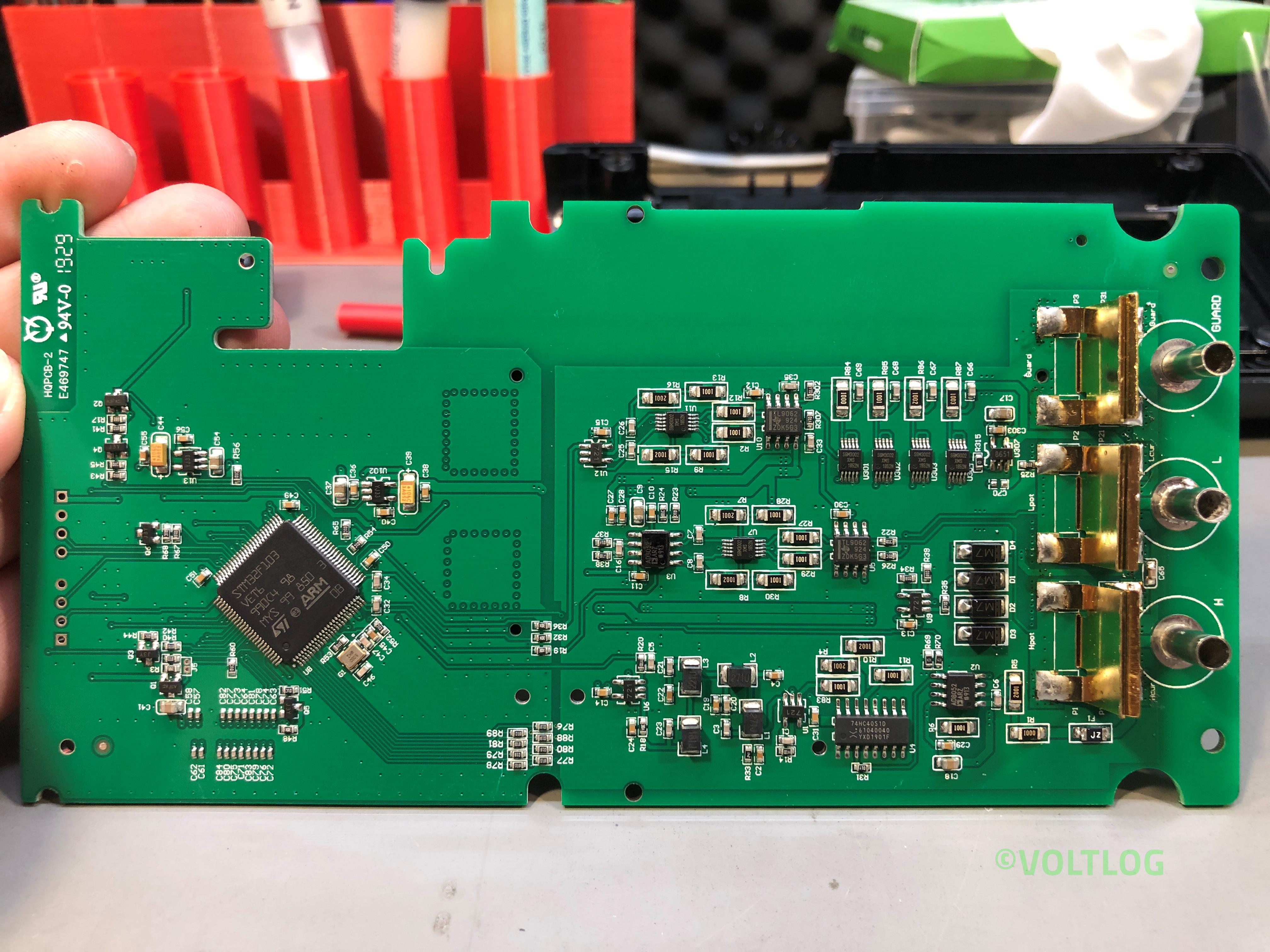
Here are some images captured during the teardown, click on the thumbnails to get a high resolution image of the LCR Meter internal PCBs.

Kunkin KP184 Electronic Load Issues Fixed | Voltlog #302

In this video I’m going to address the issues I found with the Kunkin KP184 electronic load during the review and teardown of the unit but also some issues people mentioned in the comments. There are 7 things I would like to address in total:

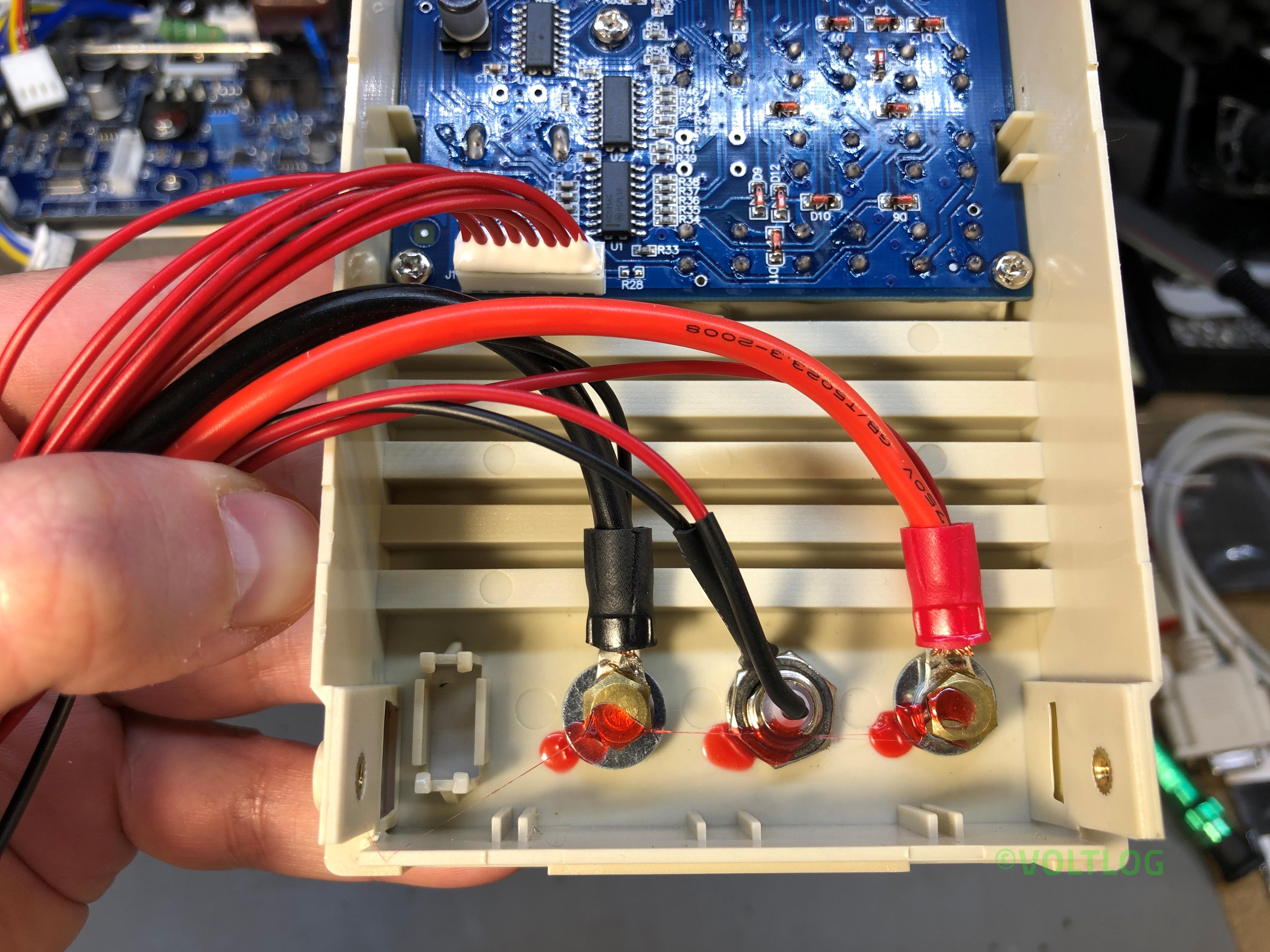
  1. Binding post internal diameter issue.
  2. Grounding issue with blue metal enclosure.
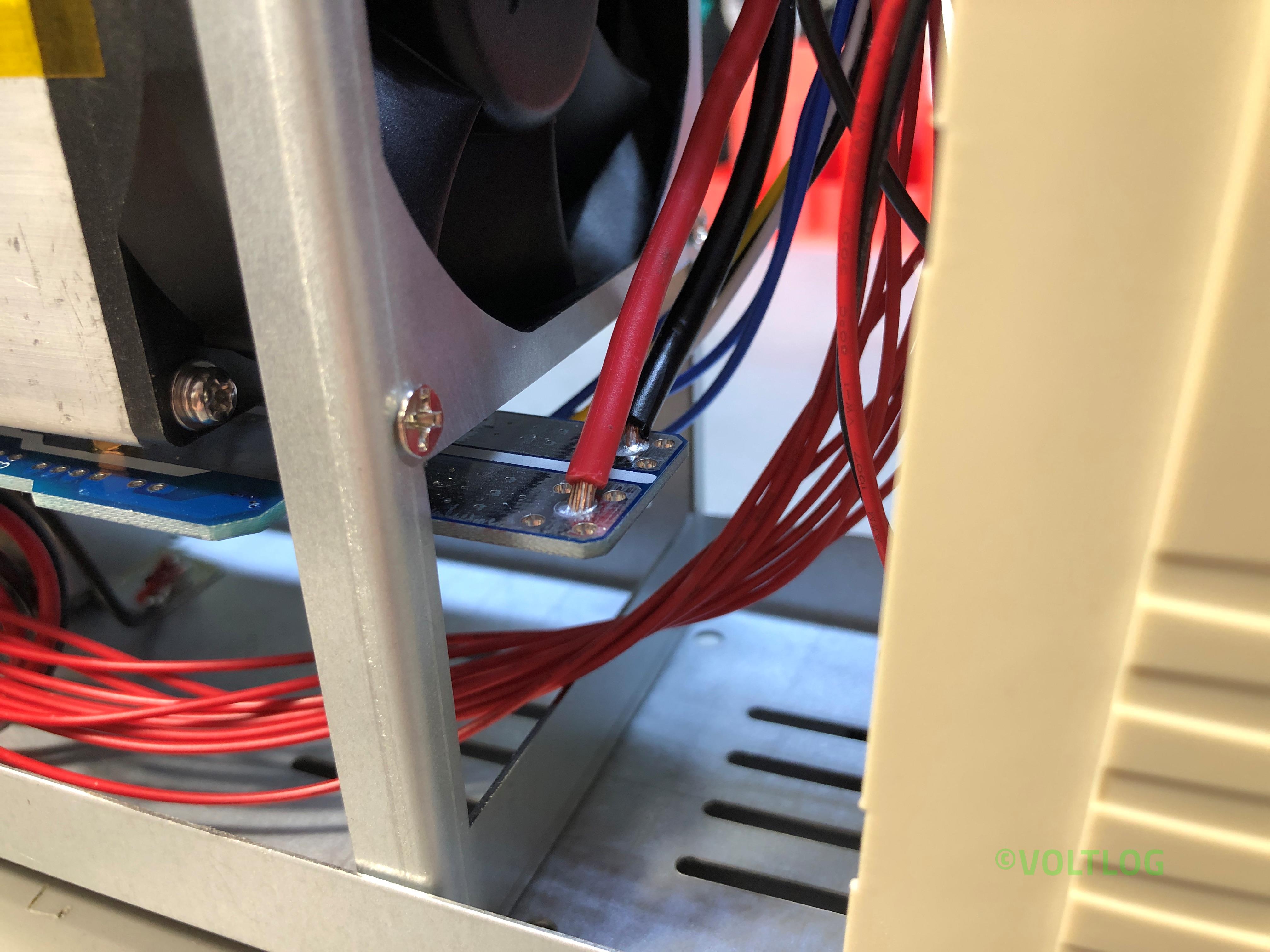
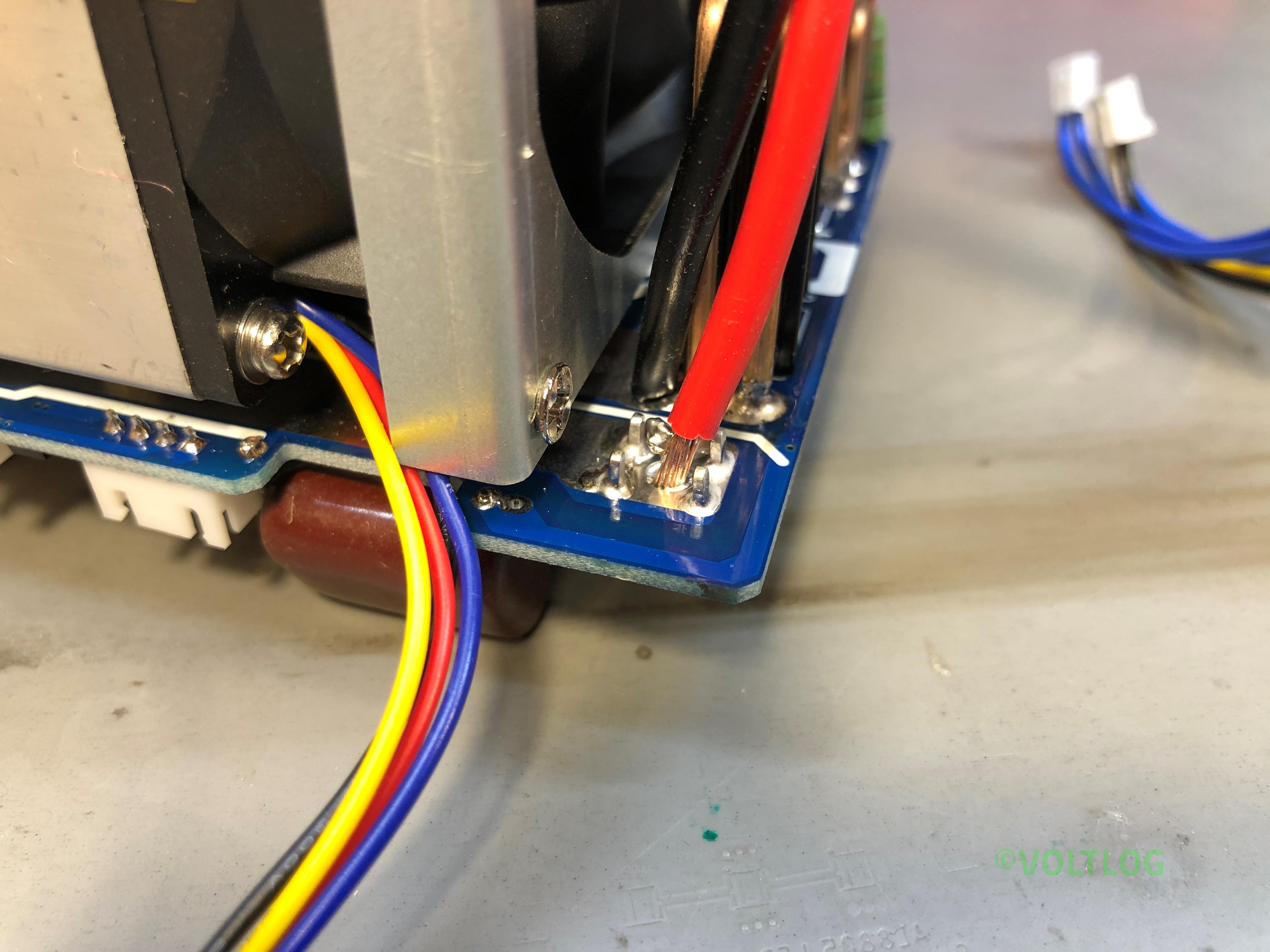
  3. Bad solder joints on thick wires coming to mainboard.
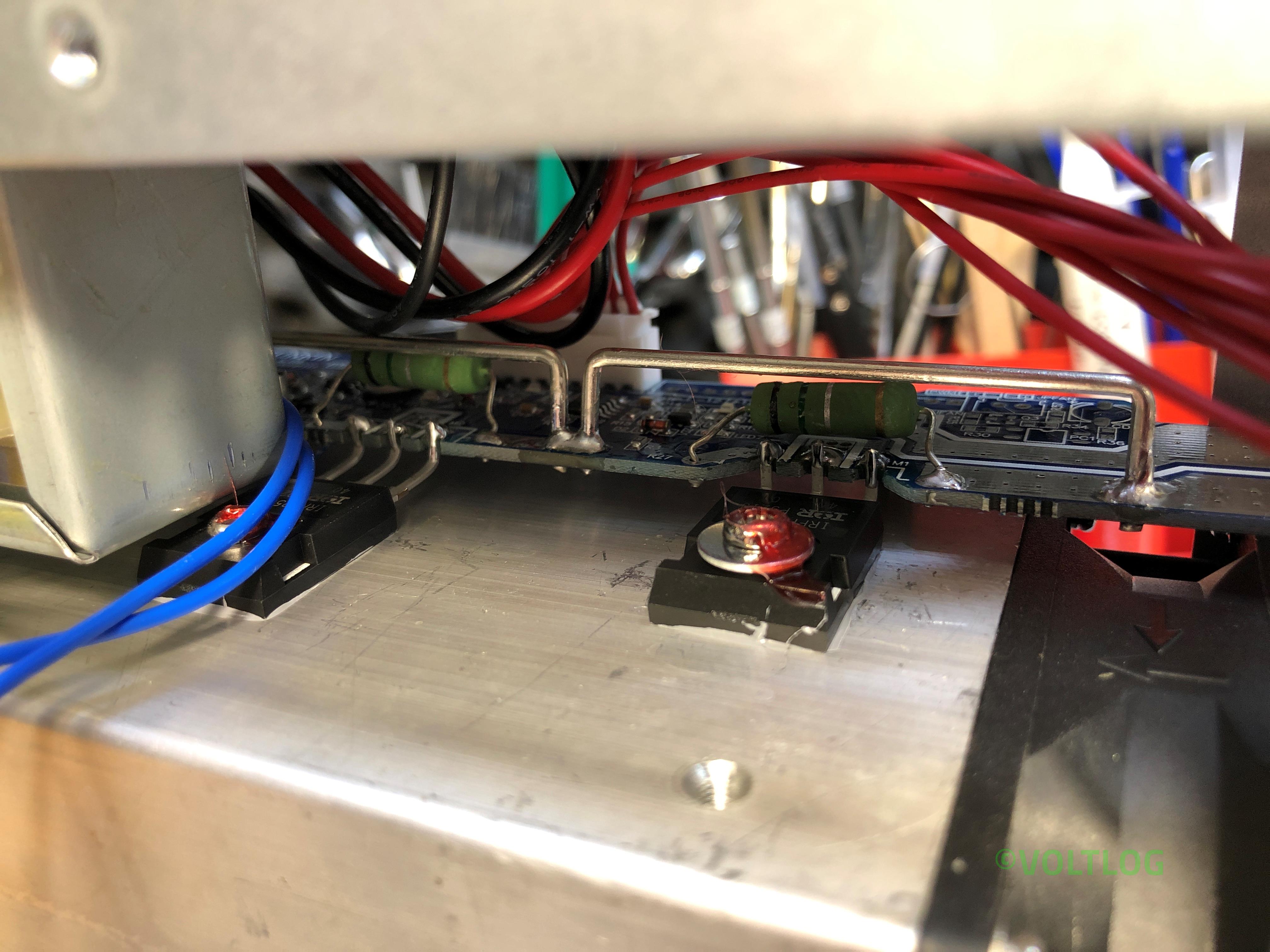
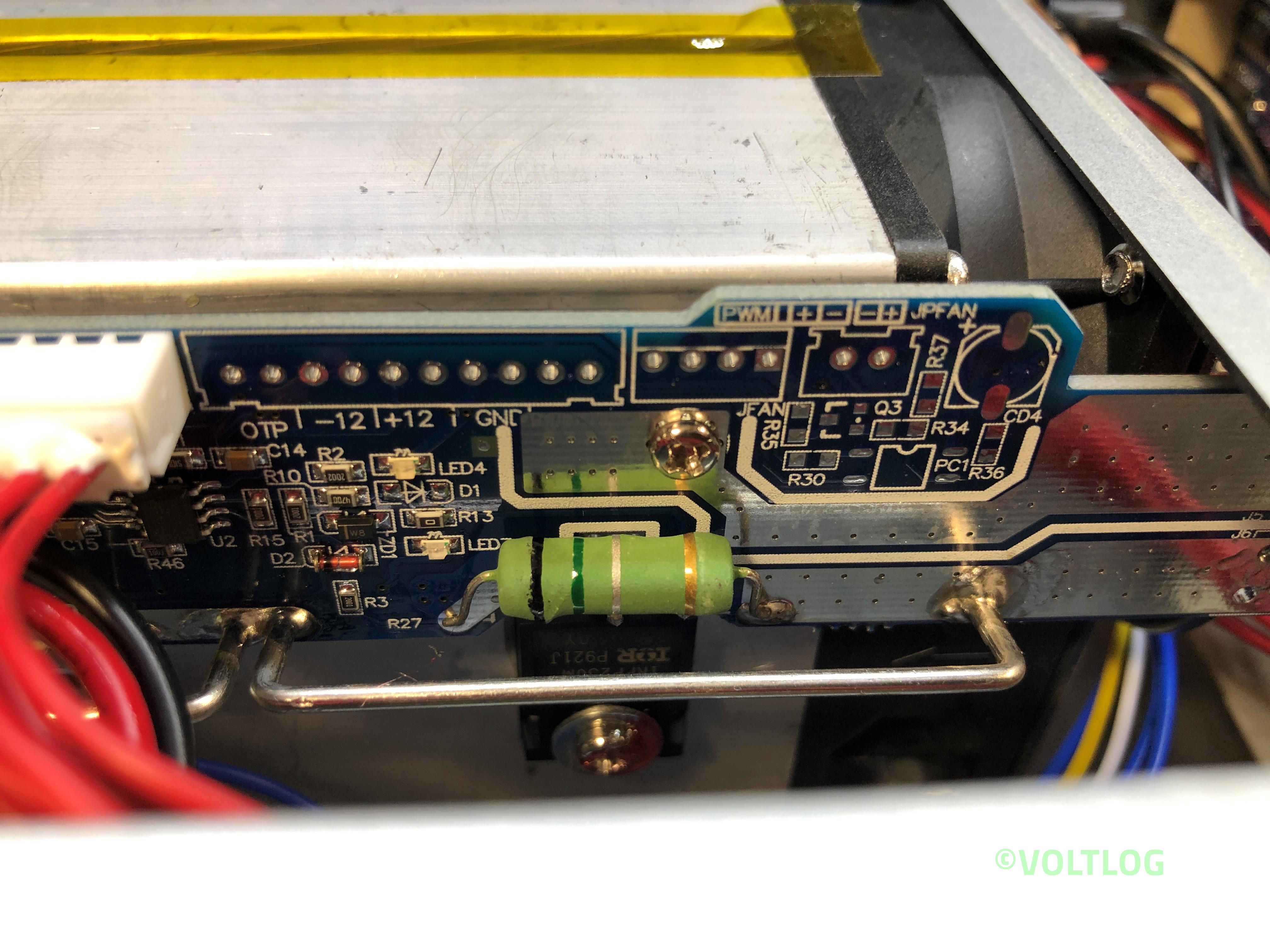
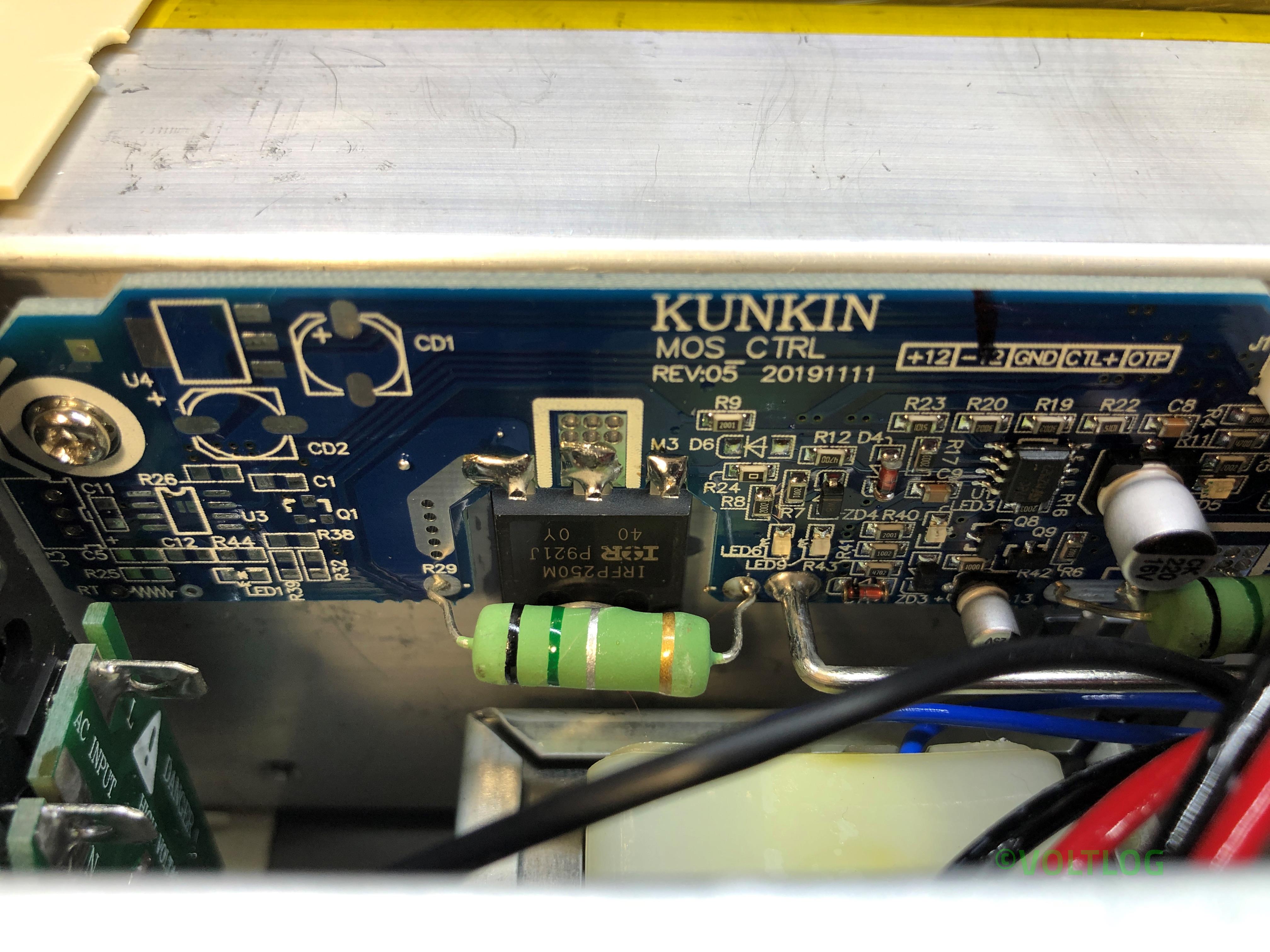
  4. IRFP250M mosfet safe operating area, fake or genuine?
  5. Supposed bug in tripping over-power protection.
  6. Supposed noise in constant current mode loop.
  7. Calibration procedure.

Nothing changes in terms of this being the best electronic load you can buy in this price range, II like it and I highly recommend it if you need to test power supplies or batteries, I think you will be pleased with this unit. If you would like to see the review or the teardown video I will link those on screen right now so you just have to click somewhere in this area. As always thank you for watching and don’t forget you can support this channel on Patreon.


InTheMail | Voltlog #301

Welcome to a new InTheMail, the series that will touch both your passion for electronics and your bank account at the same time. Today’s video will be an automotive special, meaning, the items shown today are most likely intended to be used for your car. I ordered a bunch of this stuff and I thought it would be nice if I kept it all together into one video.

So let’s start with this reversing camera kit, inside we have the camera module and some long wires so you can run them up to your display or head unit. I went for this 45 degree style of camera and with white enclosure because I plan to install this on my wife’s car which is painted white and I figured going for this style of enclosure and mounting would integrate it better with the paint of the car and it would be less obvious, like you would barely notice there is something changed in the back of the car.

But this does come with some limitations, you would have to install this on a flat, horizontal surface, parallel to the road, because the camera is angled for that mounting position and you will likely end up seeing too much of the road or too much of the sky if you install it otherwise. In terms of image sensor, when you order one of these, if you go for the cheapest you will get a crappy sensor with poor low light capability so I spent a little extra and picked a SONY CCD.

Best Affordable Electronic Load – Kunkin KP184 Teardown | Voltlog #300

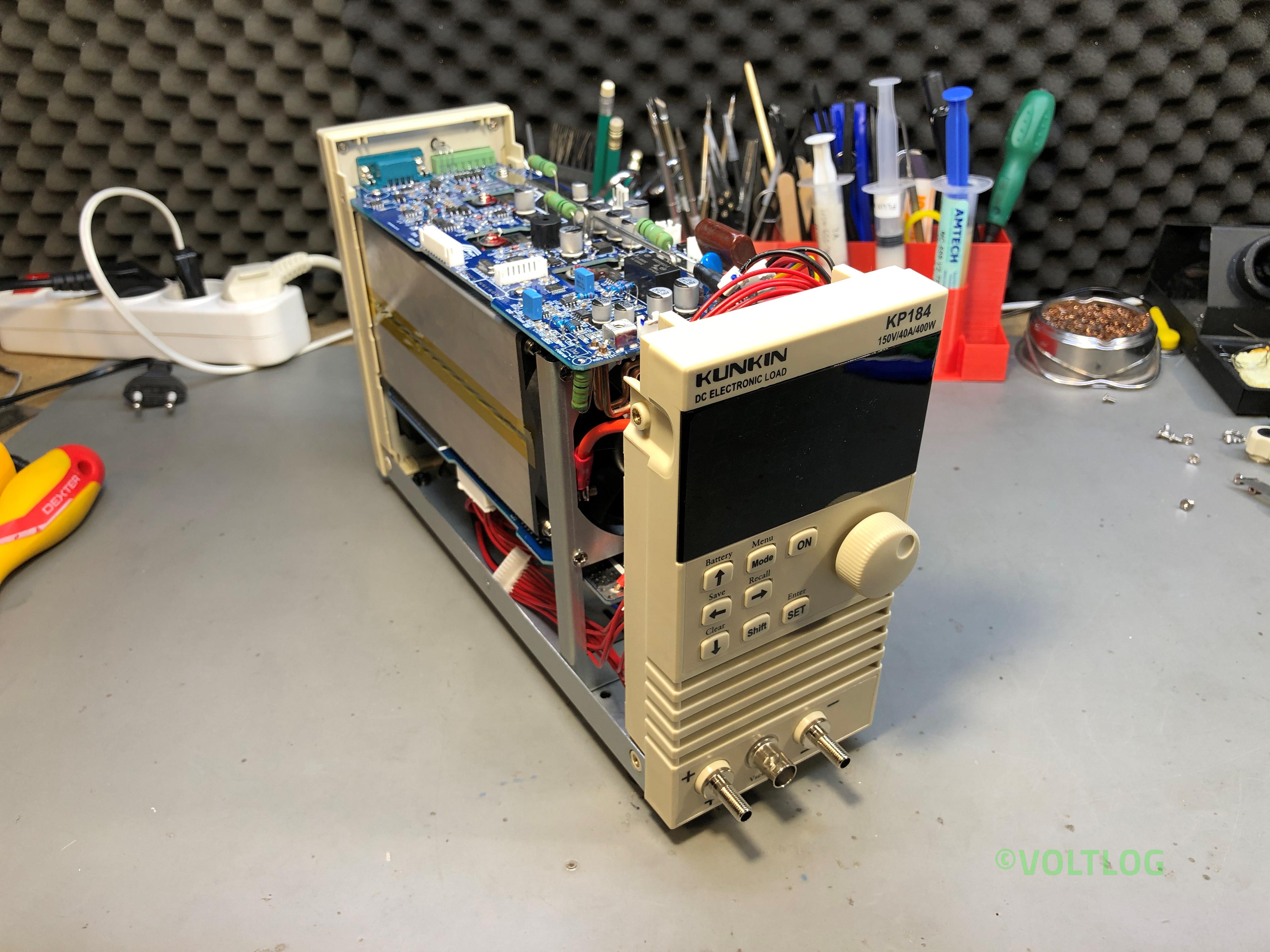
In the previous video I reviewed the KP184 electronic load, I showed you all the features it has, I tested the accuracy of the front panel meter but the video was getting quite long and I skipped the teardown for a future video. Well, this is it, it looks like we have a bunch of screws that have to be removed to slide the folded metal cover off.

As you may remember from the previous video I discovered something related to wiring & safety, the earth wire was connected to the bottom part of the enclosure but it wasn’t connected to this blue cover which is also metallic. Now we can see why, this has a thick coat of paint so we can fix this by either scraping the paint away in the area where this makes contact with the bottom part or we could add a separate earth wire which would probably be a more reliable way to fix this.

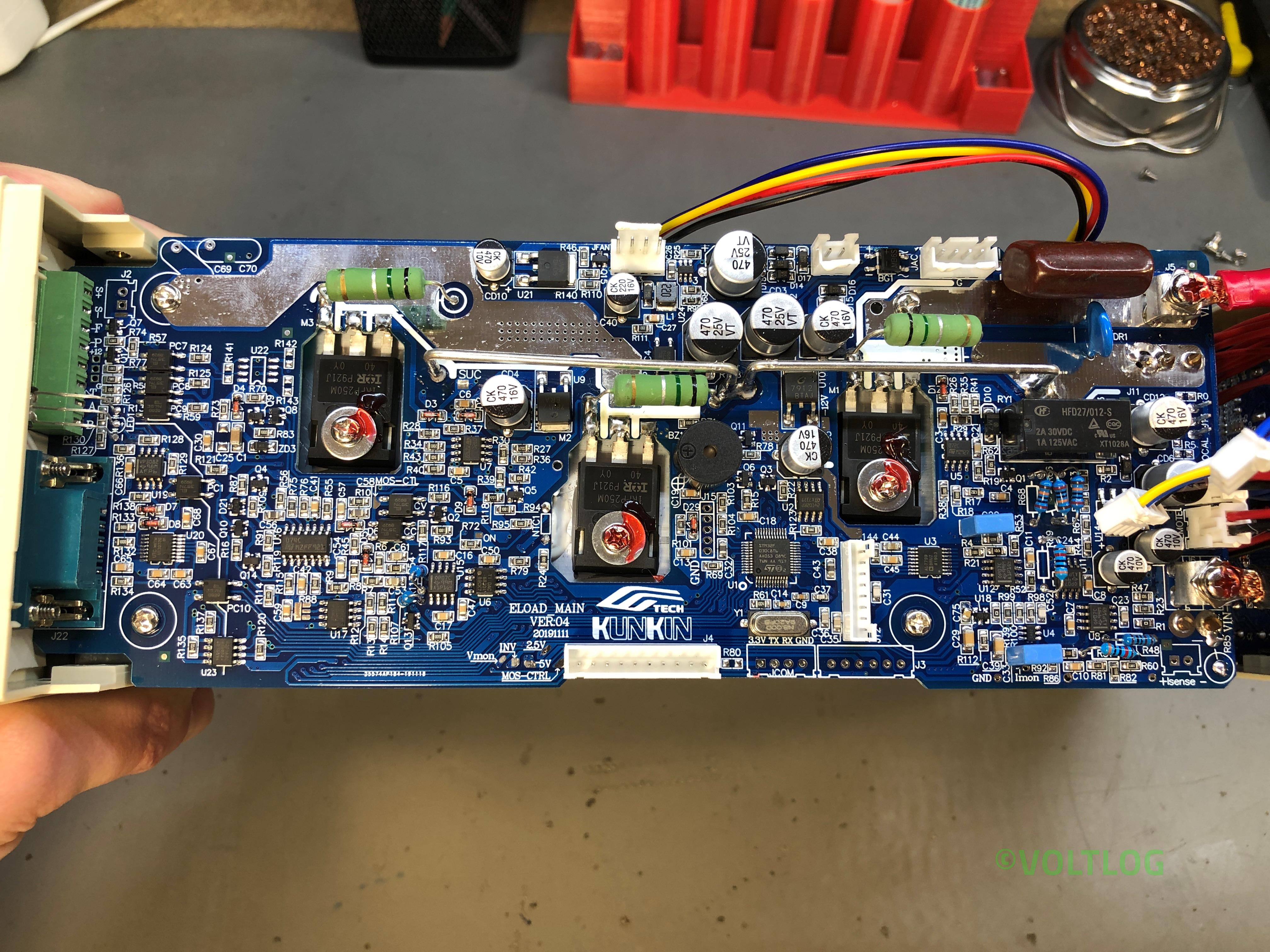
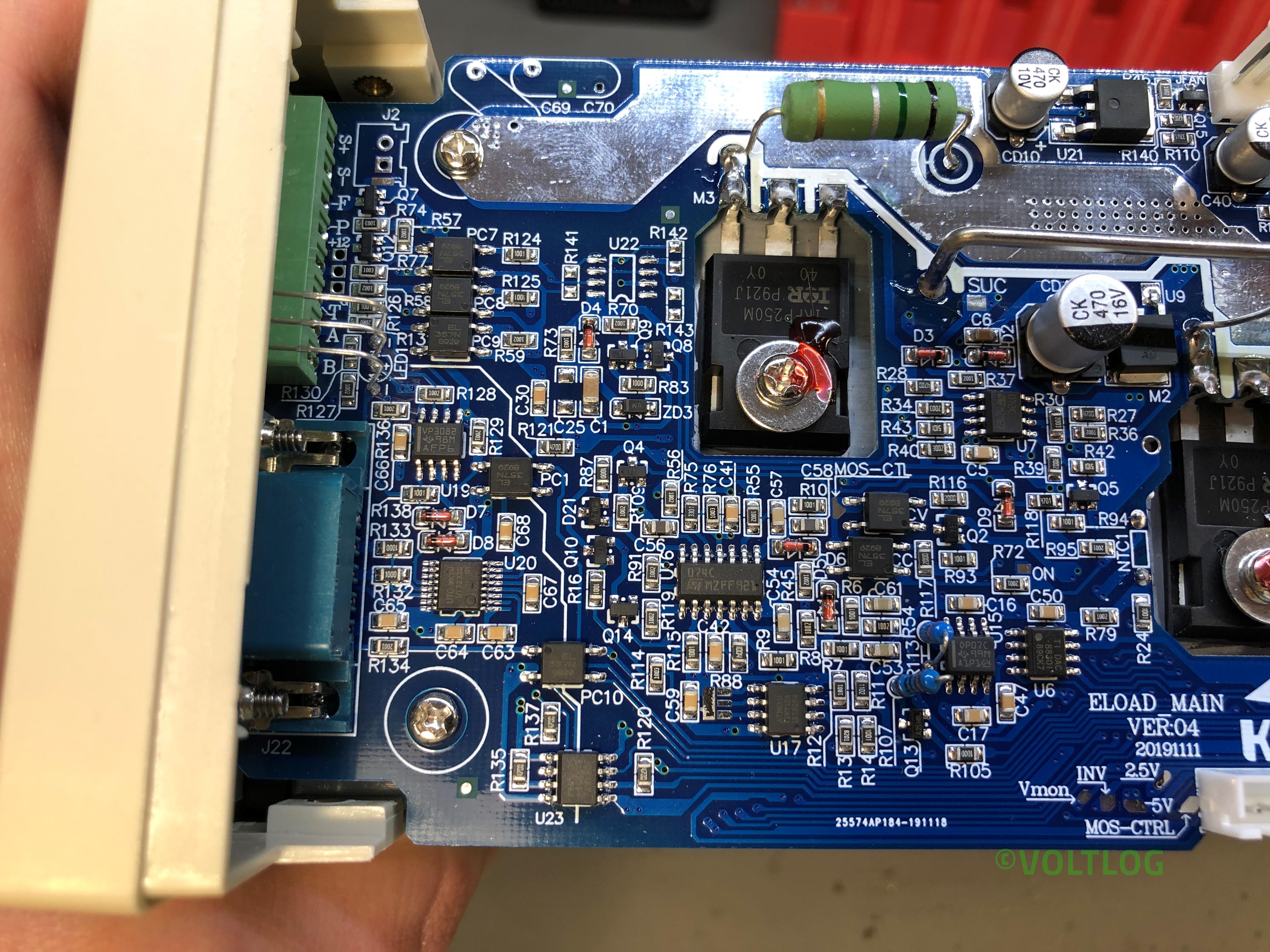
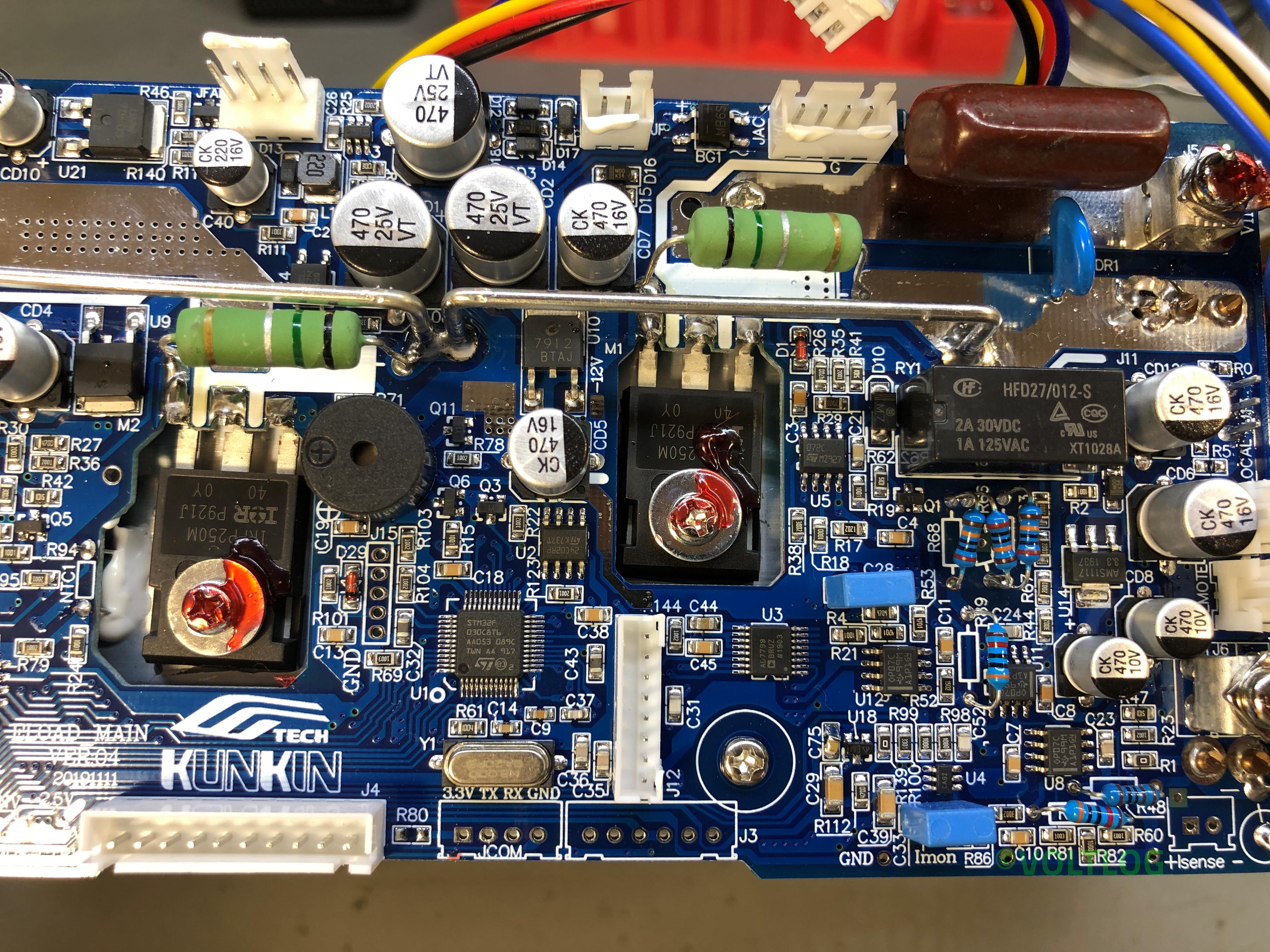
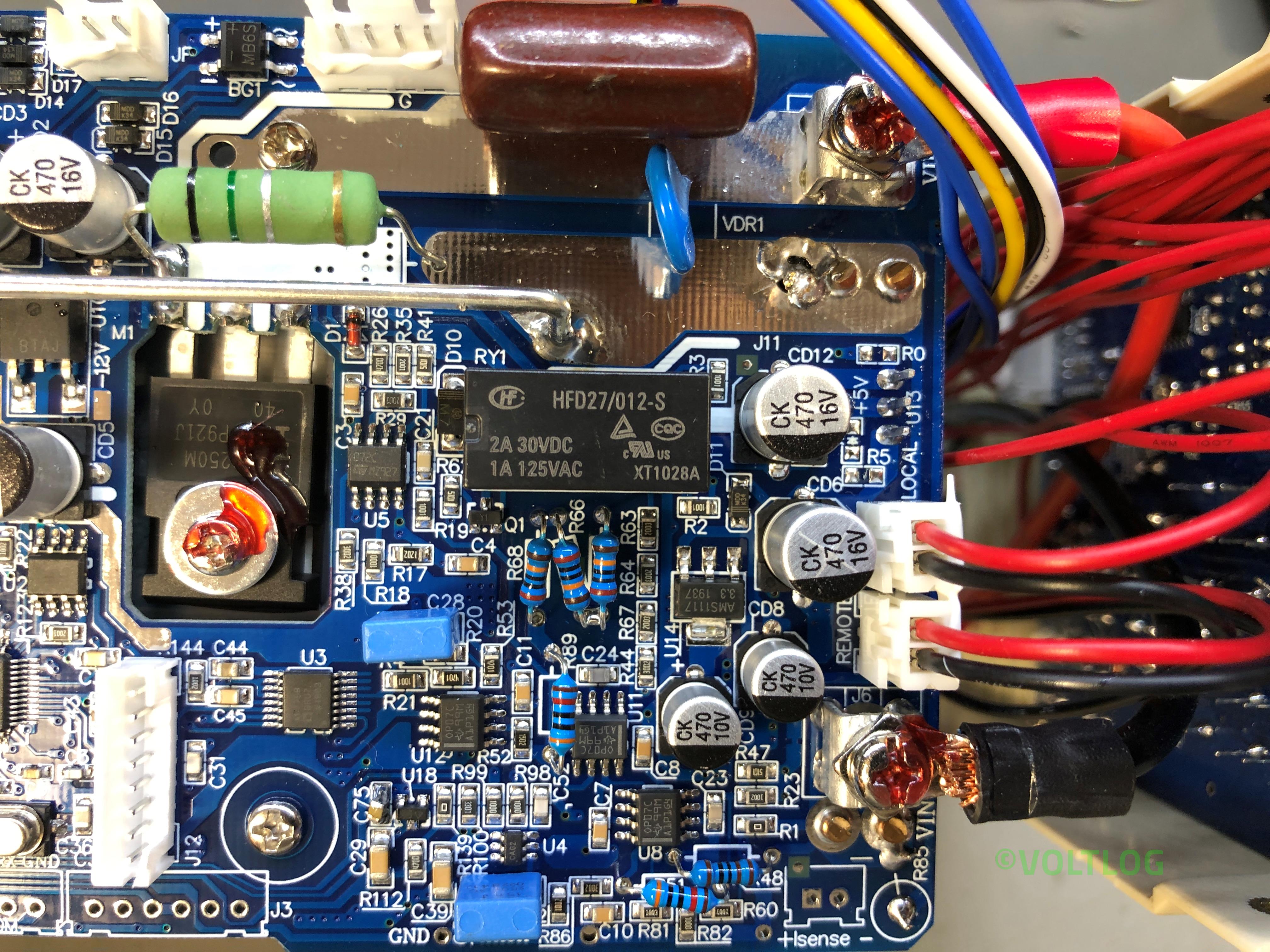
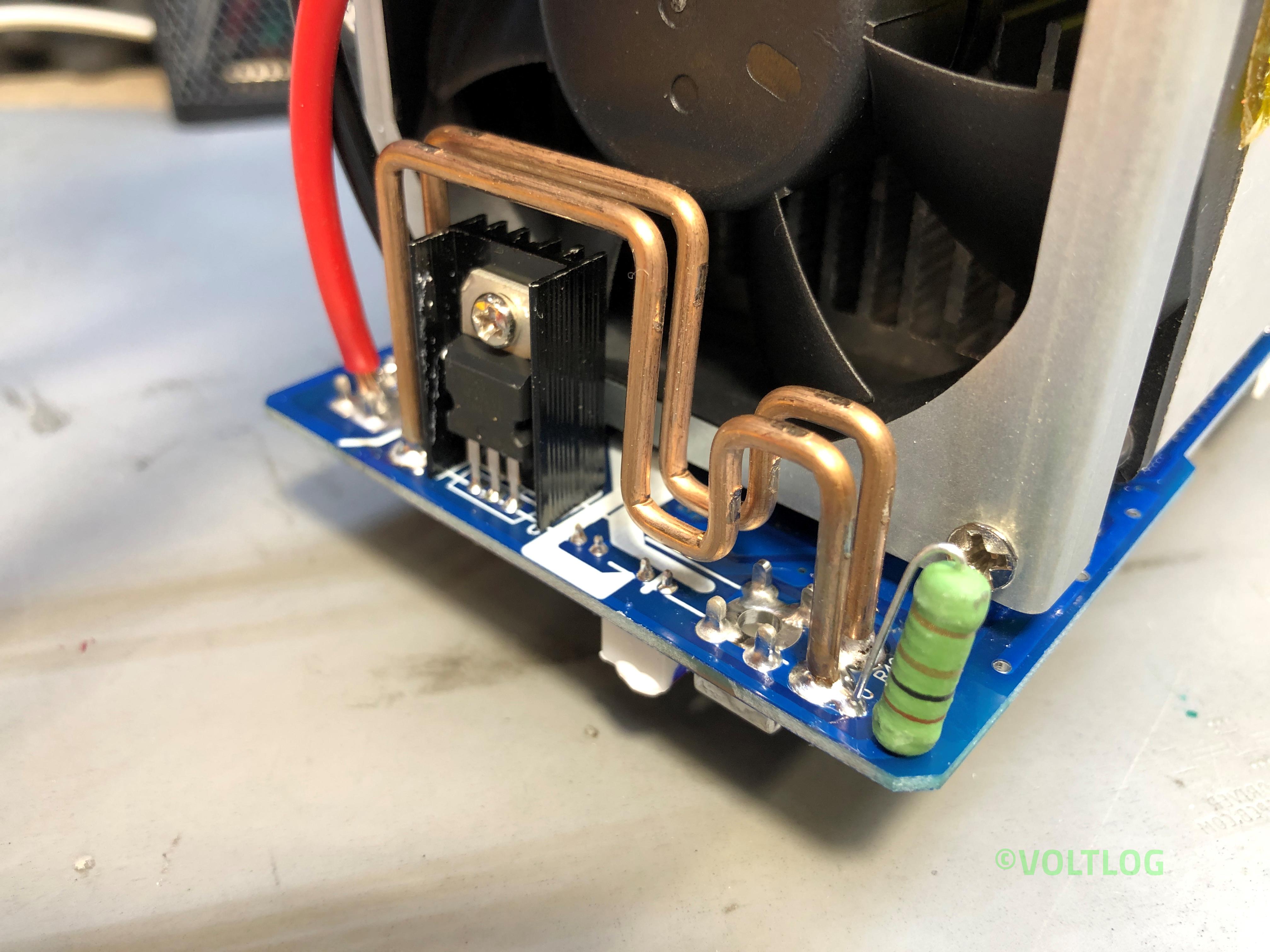
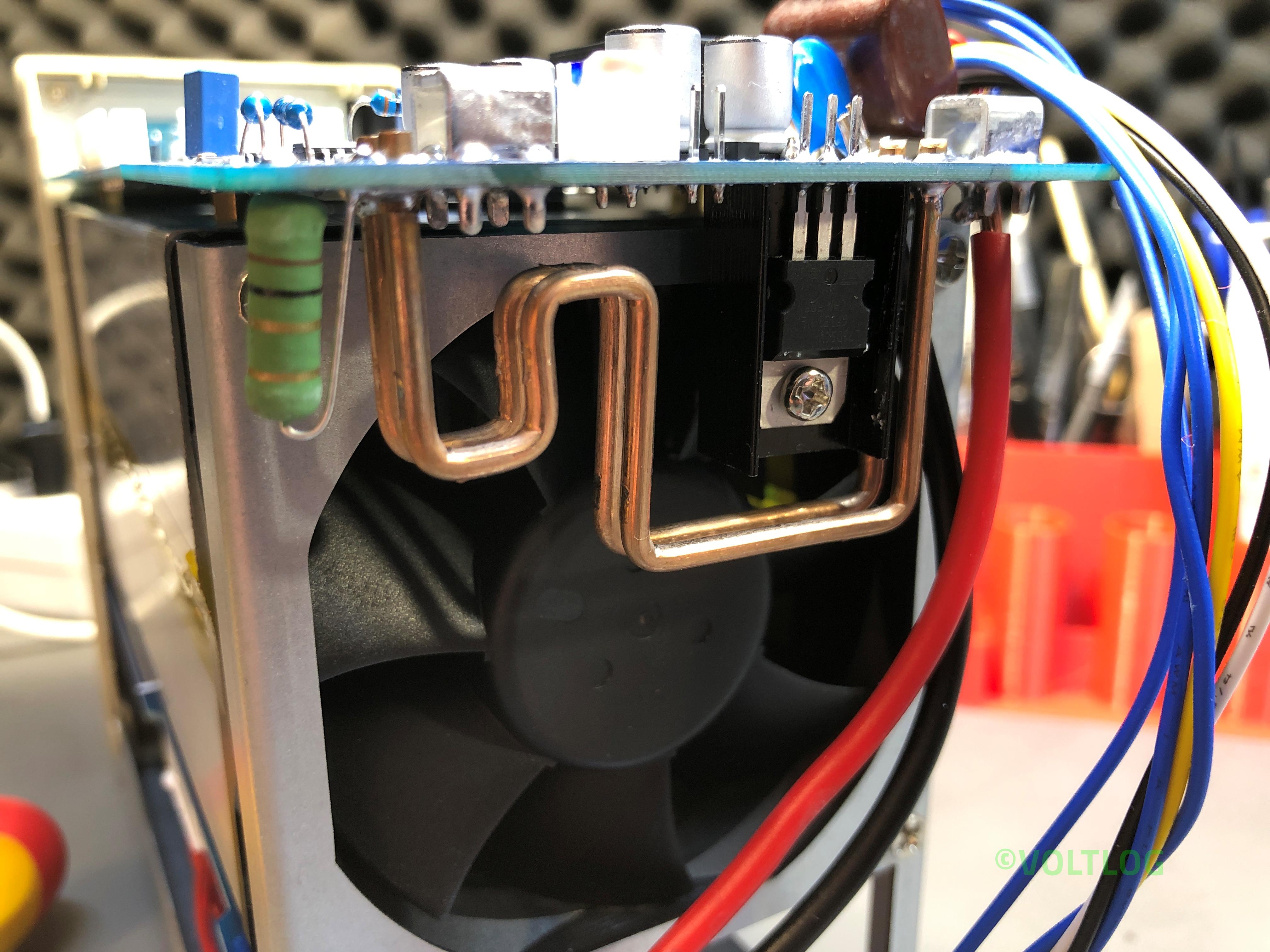
The first thing I’m noticing is the silkscreen, this board is version 04 and has a date code of November 2019. And there are a bunch of other nicely placed labels for various signals throughout the board. Soldering looks to be nice and clean with the exception of these thick wires coming from the bottom board, which in this particular joint looks like it hasn’t flowed sufficiently, I will have to fix that later. Wires are nicely secured with adhesive to their end connectors and apart from these thick wires coming from the bottom board everything has connectors which makes it easy to disassemble and service.

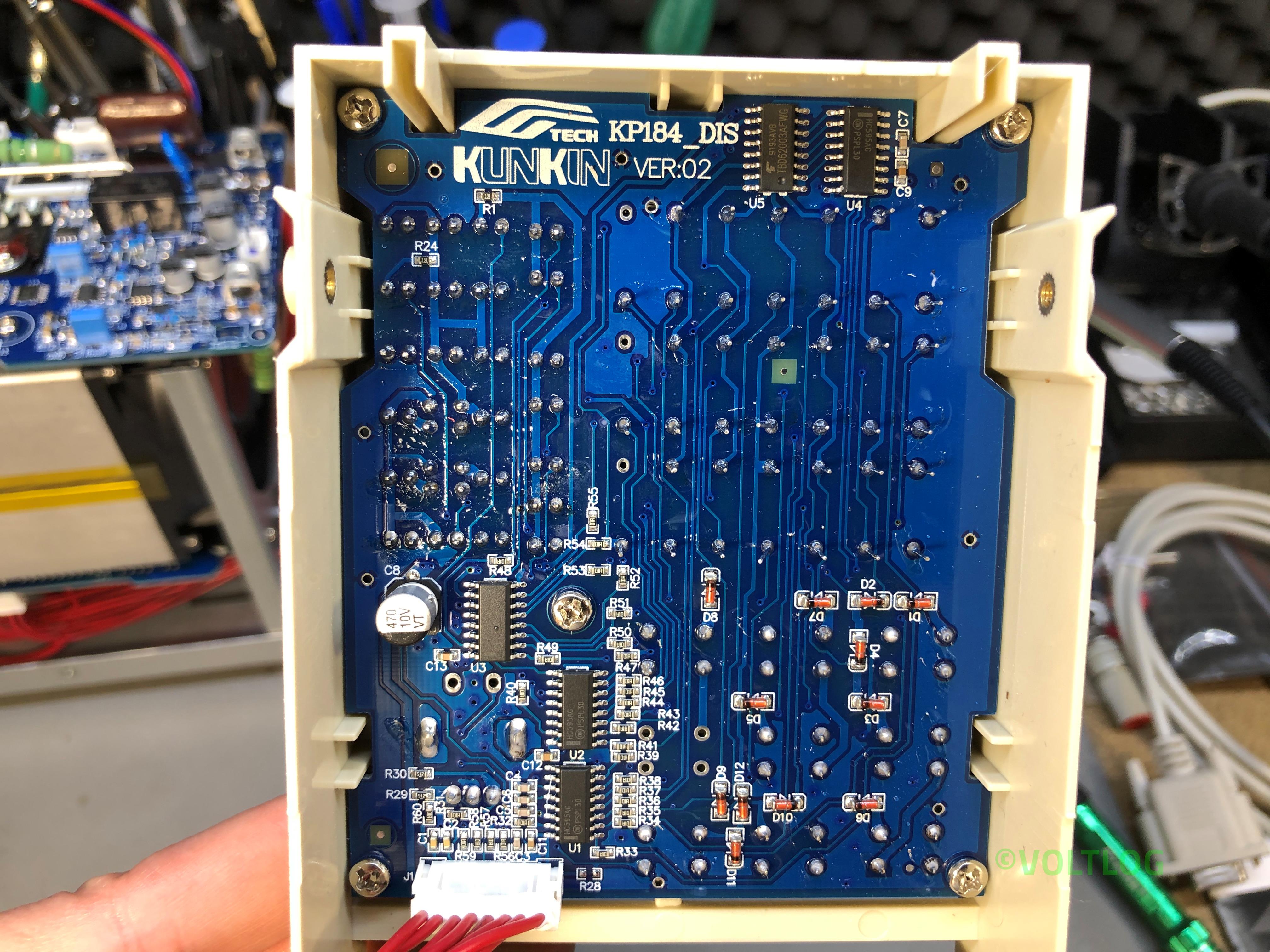
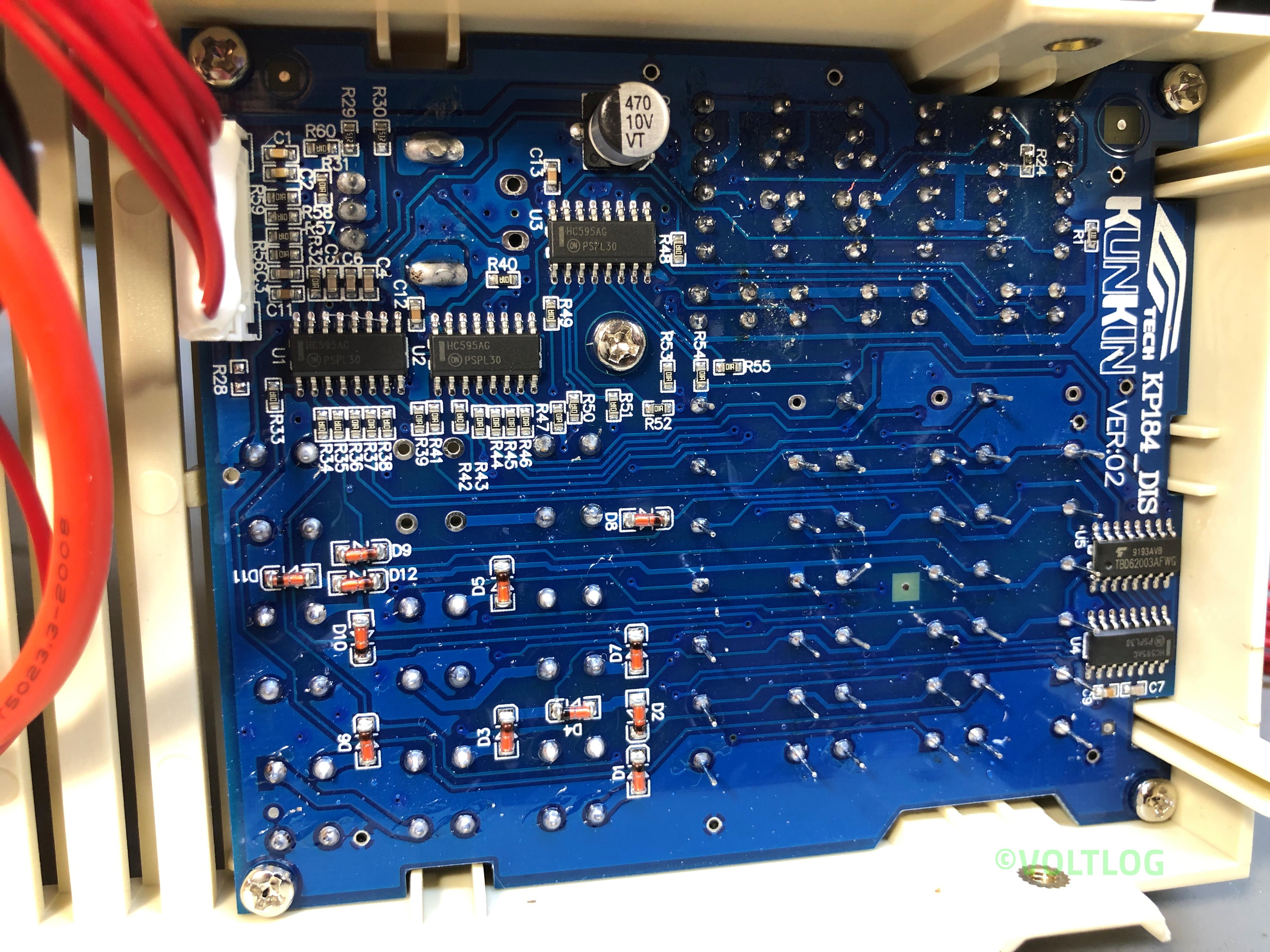
Checkout the teardown pictures of the Kunkin KP184 electronic load below

Best Affordable Electronic Load – Kunkin KP184 Review | Voltlog #299

Welcome to a new video, this will be a review of a new test instrument I discovered, you know I like electronic loads and I’ve tested a bunch of hobby grade electronic loads in the past, these were sub $50 items and that budget also meant they had some disadvantages like limited power, limited reliability, limited connectivity, limited functionality and limited accuracy. You were basically trading off a bunch of stuff to be able to get a cheap affordable electronic load.

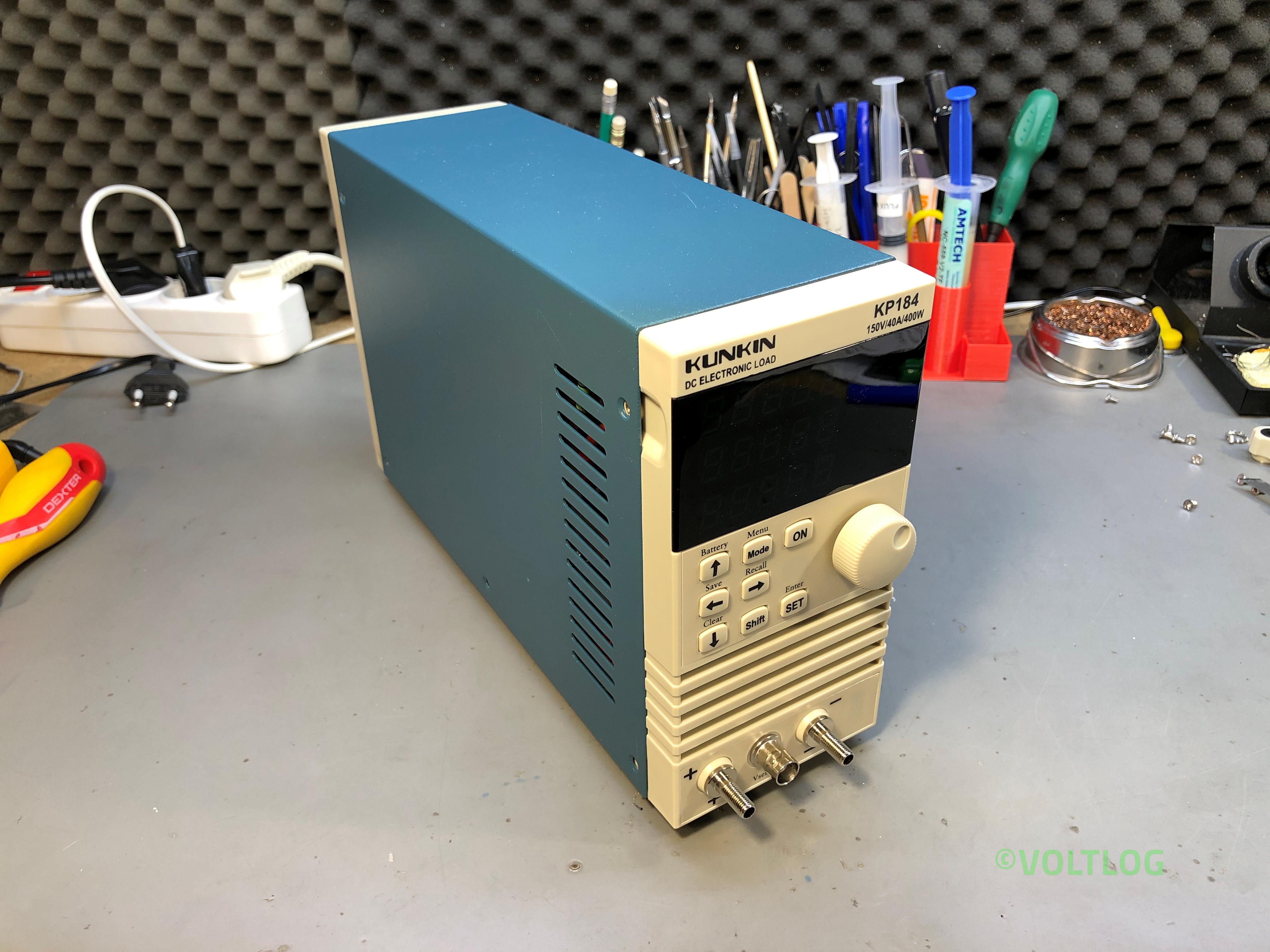
This is the Kunkin KP184 and I believe this will be a game changer for those who are looking to get something a bit more professional but are still limited by budget and they can’t go for the better instruments starting at 500 USD. The unit is delivered in a large box with nice padding protection and inside you get the instrument, a user manual and a few accessories like some spade connector, an RS232 cable and some wiring.

Let’s talk a bit about the specs of this unit, I have the KP184 model which is like their better equipped model, it works with both 110 and 240VAC, the load voltage can be a DC voltage between 1 and 150V, up to 40A, up to 400W. Measurement accuracy is 0.05% + 5 counts for both current and voltage with 1mV and 1mA of resolution, we’ll be verifying that later. There is RS232 and RS485 connectivity with a modbus protocol which is specified in the user manual and there is a piece of software for the PC, you have to obtain it from the manufacturer which doesn’t respond to emails but I’ve managed to source it and I’m gonna put a link to this in the description below the video and I’ll try to connect it towards the end of this video.

If you would like to checkout the teardown of the Kunkin KP184 click here.